
Umps Home Alarm
See how the Umps Home Alarm works and how to use it.
Video guides
To turn off your Hub, first unplug it from the power adaptor. Then press and hold down the cancel button, and while holding it down, press the notification button and let go of both buttons. The Hub will flash blue and make an announcement before powering off after 5 seconds. To reboot your Hub, press and hold down the volume down (-) button, then while holding it down, press the notification button 3 times and let go of both buttons. The notification button will flash green and the Hub will reboot.
If you want to connect your Hub to your home internet, please provide your home wifi details during the registration/referral process. If you have already received your Home Alarm and want to connect it to your home internet, please contact us on 1300 907 272 and we can assist you with this.
This video is coming soon. Until then, please refer to the help center article.
Frequently asked questions
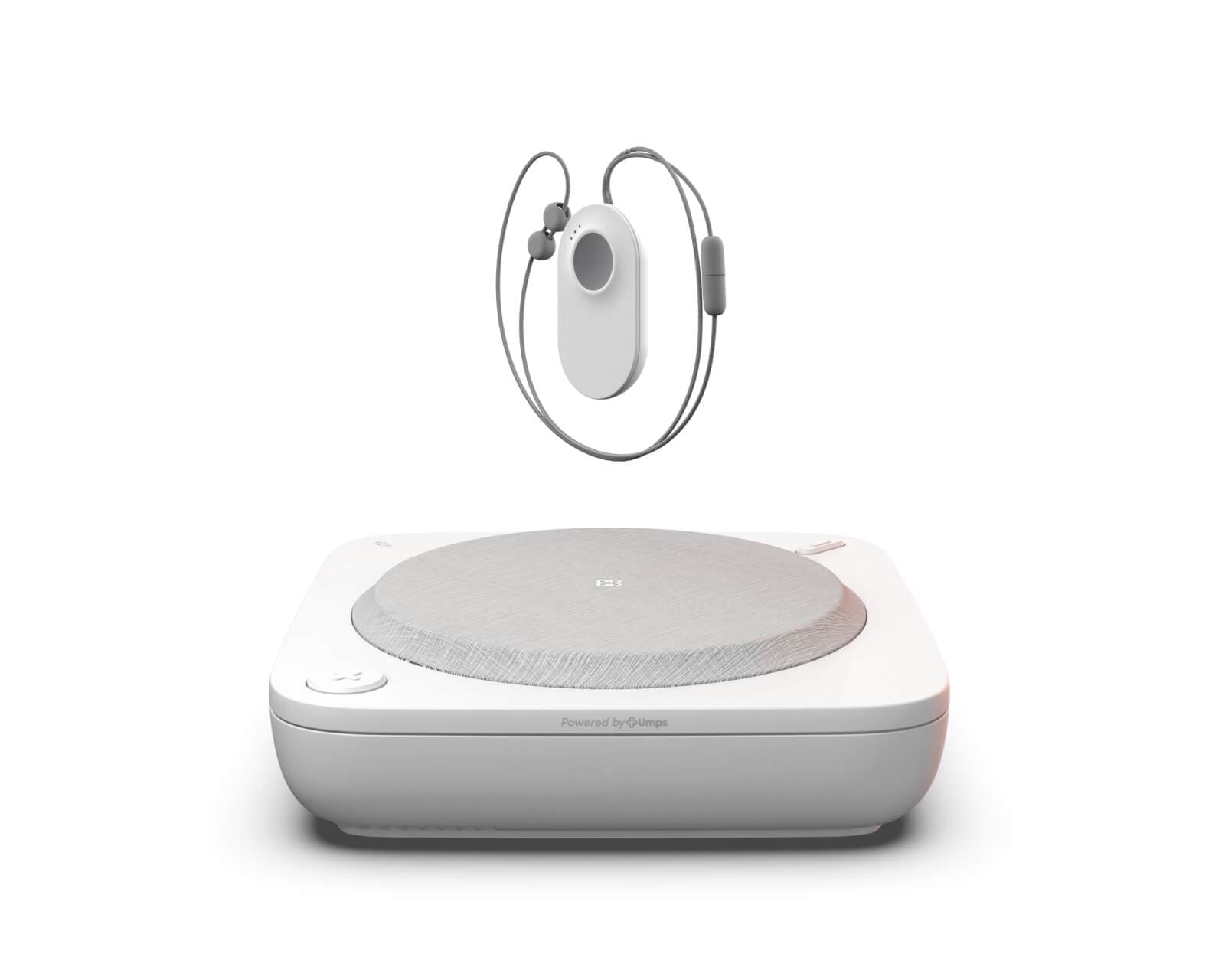
Each Umps Home Alarm package contains:
- 1x Home Alarm Hub
- 1x Pendant Button (in the form factor of your choice)
- 1x external antenna
- 1x power adapter
- 1x quick start guide
Additional accessories such as Wall Buttons, Wrist Straps, Pendant Buttons and Pendant Cases can be purchased separately.
The Home Alarm connects to the mobile network automatically - either Telstra (default) or Optus (if requested). It does not require a wifi or internet connection to work. However, if your home has poor mobile reception to both of these networks, you can connect the Hub to your home internet via wifi or ethernet. This will allow the Hub to use your internet connection instead of the mobile network for both alerts and 2-way calls. If you require this option, you can request it in your order by providing your home wifi details or contact us directly on 1300 907 272.
The Pendant Button has a range of up to 100m from the Hub in open air, but walls and building materials can reduce the effective range indoors. You can test the range in your home at any time to make sure your Pendant Button works wherever you need it by following the help center article here.
Your Hub should stay plugged into mains power at all times. If there's a power outage, your Hub has a built-in battery backup so it keeps working. For more information, see the help center article here. Your Hub connects to the mobile network automatically. If it loses connection, it will let you know and try to reconnect. For more information, see the help center article here.
The Pendant Button battery lasts over 2 years and does not require charging. We'll let you know when to replace it before it runs out.
Yes! The Pendant Button is IP67 water resistant and showerproof. We actually recommend wearing it in the shower as that's where many falls occur.
If you have a pacemaker, we recommend wearing the Pendant Button on your wrist instead of over your neck.
No, the Pendant Button does not have a speaker or microphone. You have two-way calls through the base unit Hub. The Hub has powerful microphones that can hear you from the other side of the house, even if you cannot hear the speaker from where you are. Operators are trained to respond to these kinds of calls. The three dots on the Button are not microphones, they are lights that show when you press the Button.
Can't find what you're after?
Visit the Help Centre for detailed guides and troubleshooting, or talk to our team.