

geat2GO

Refer a personal alarm via geat2GO

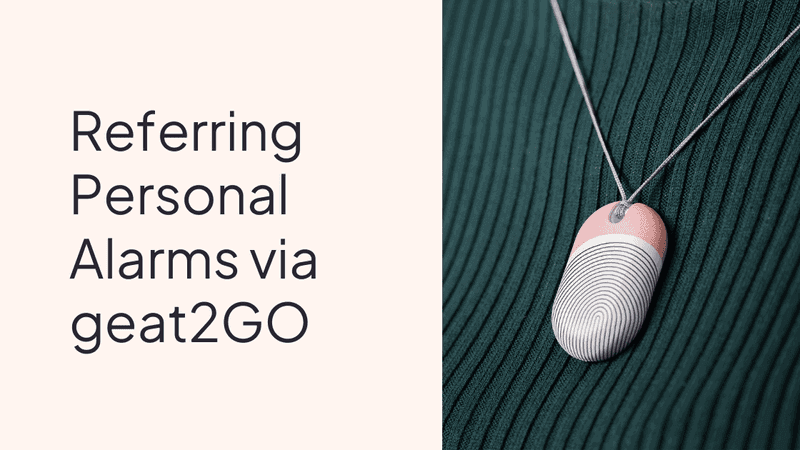
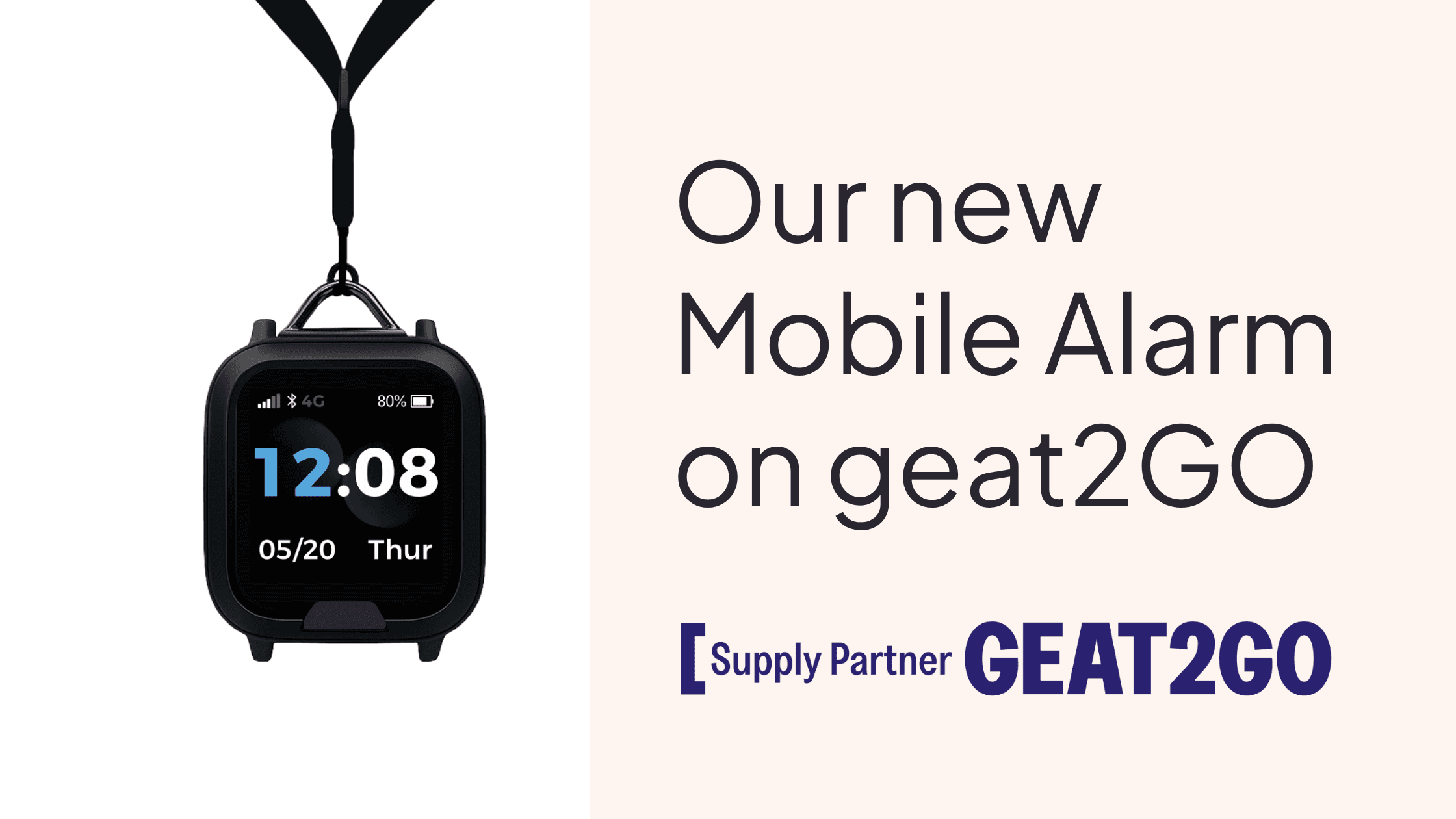
A short guide on referring an Umps Personal Alarm under the geat2GO program.

geat2GO support
1800 518 218
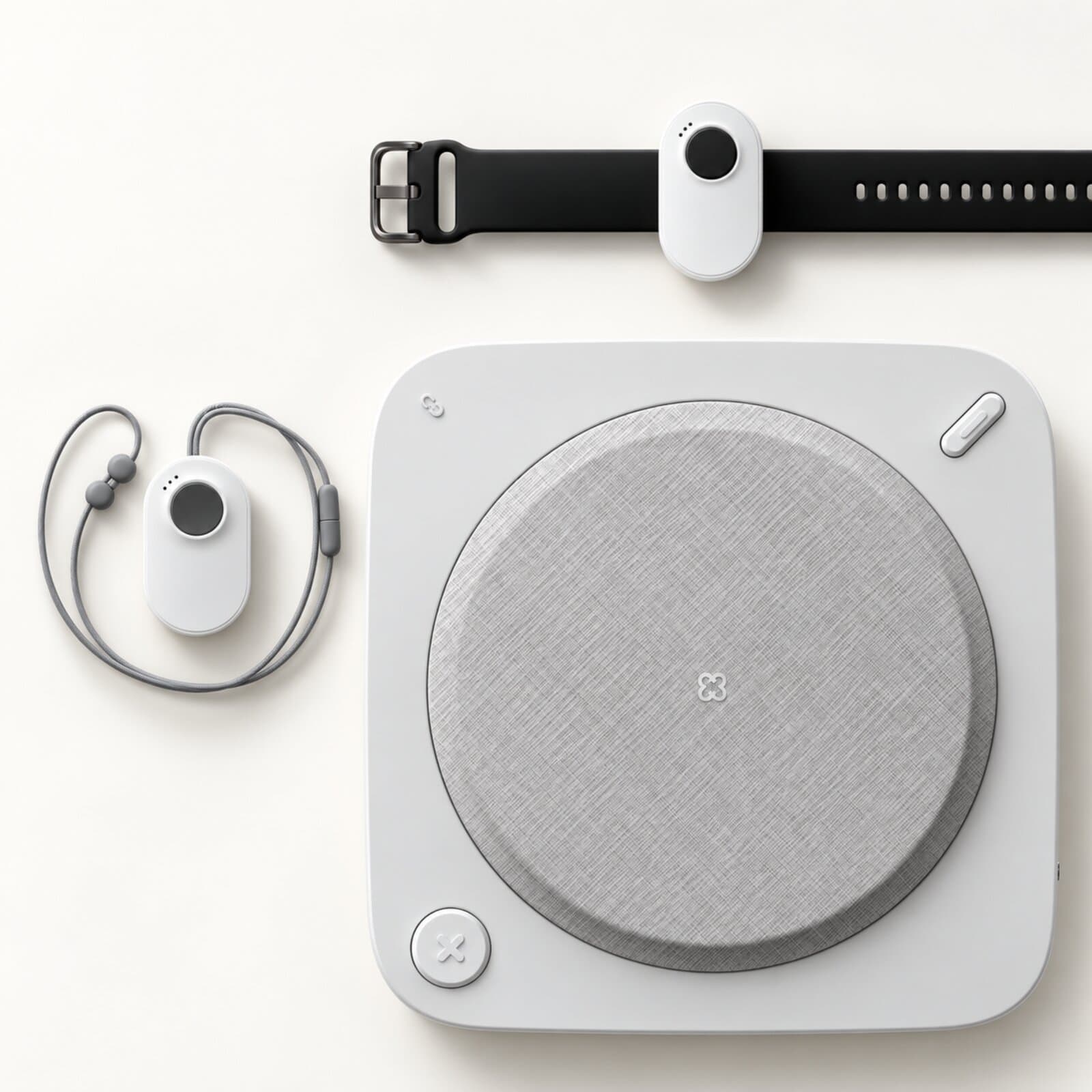
Umps Home Alarm being used at home

Referral process

  1. Submit a request

    Log in to geat2go.org.au with the client present and confirm consent. Click New Request to begin.

  2. Select funding and add the client

    Choose the funding stream (e.g. CHSP GEAT2GO), and either refer the client through My Aged Care or attach their referral code.

  3. Approval and care plan

    Once approved, geat2GO orders the device and issues a care plan with the delivery date, usage guidance, and an OT telehealth follow-up.

  4. Follow-up and discharge

    geat2GO checks in after delivery. If the client's goals are met they're discharged from the program; if not, further support is arranged.

Good to know

Umps is on the geat2GO portal

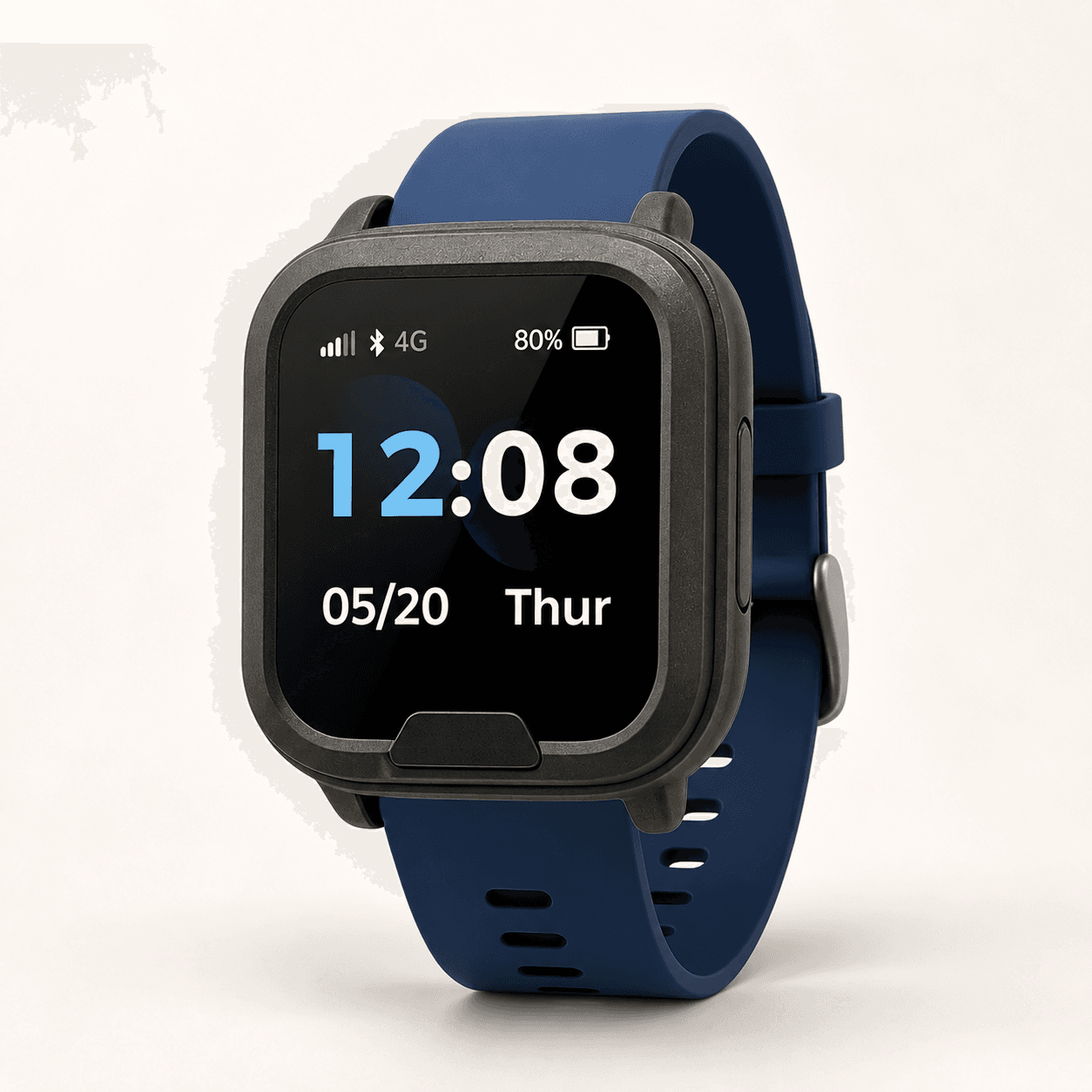
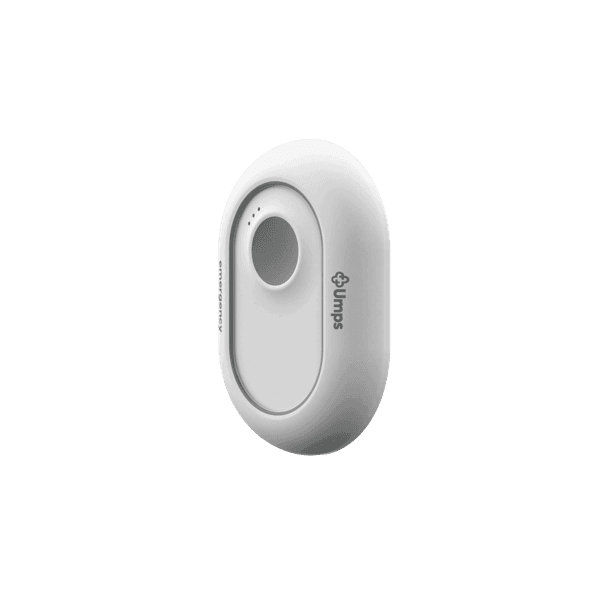
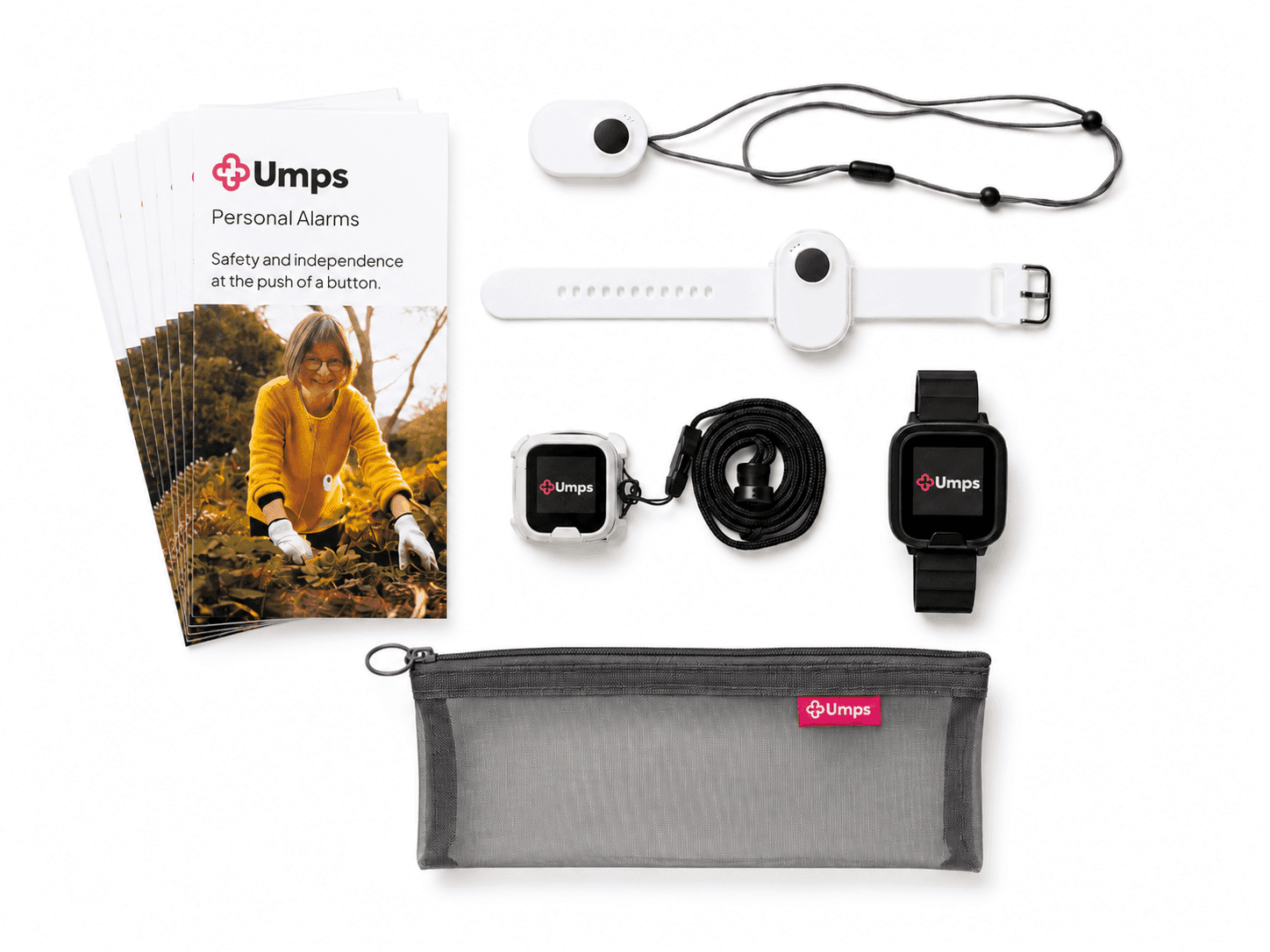
Search Umps on the portal to prescribe. Devices ship pre-configured, with phone onboarding included.

Common questions

Usually one to two weeks. Every alarm is pre-configured before it ships, so the client doesn't need to set anything up. Phone onboarding is included, and we can arrange in-person help if needed.

Refer a client

Open the geat2GO portal, or contact our team if you need help choosing a device or confirming eligibility.